
Have you decided to DIY some of your wedding stationery? You'll want to read this first! Bringing your wedding vision to life with your own hands is so rewarding; whether you're creating elegant invitation suites, personalized favor tags, or custom reception signage, we champion it all! But before you stock up on paper and fire up your design software, there is one crucial detail that can make or break your projects (and stress levels): your printer.
If you've ever tried to feed a piece of heavy cardstock into a standard home printer, you might already know the pain of annoying paper jams and mysterious roller smudges. That's because most everyday printers are designed for thin 20lb (80gsm) copy paper, not luxury cardstock or specialty materials.
When learning how to choose the best printer for your wedding DIYs, you don't need the most expensive machine out there. You just need to know which specific features to look for on the box before you buy.
In this guide, we're breaking down everything you need to know — from navigating paper weights and feed slots to finding the right ink options — so you can confidently print your own wedding details at home without the frustration!
Printer Types: Inkjet vs. Laser (Which Do You Need for Wedding DIY?)
When you start shopping, the very first choice you'll face is deciding between an inkjet printer and a laser printer. While both can print a beautiful document, they use entirely different technologies, and one is significantly better suited for the average wedding DIYer.
Inkjet Printers (The Beginner & DIY Gold Standard)
For 90% of couples printing wedding stationery at home, an inkjet printer is going to be your best friend and all you need. Inkjet printers essentially just spray micro-droplets of liquid ink onto paper, and by doing this, it creates smooth color blending, making them unbeatable for printed details like watercolor illustrations and full color photos.
Paper & Material Versatility
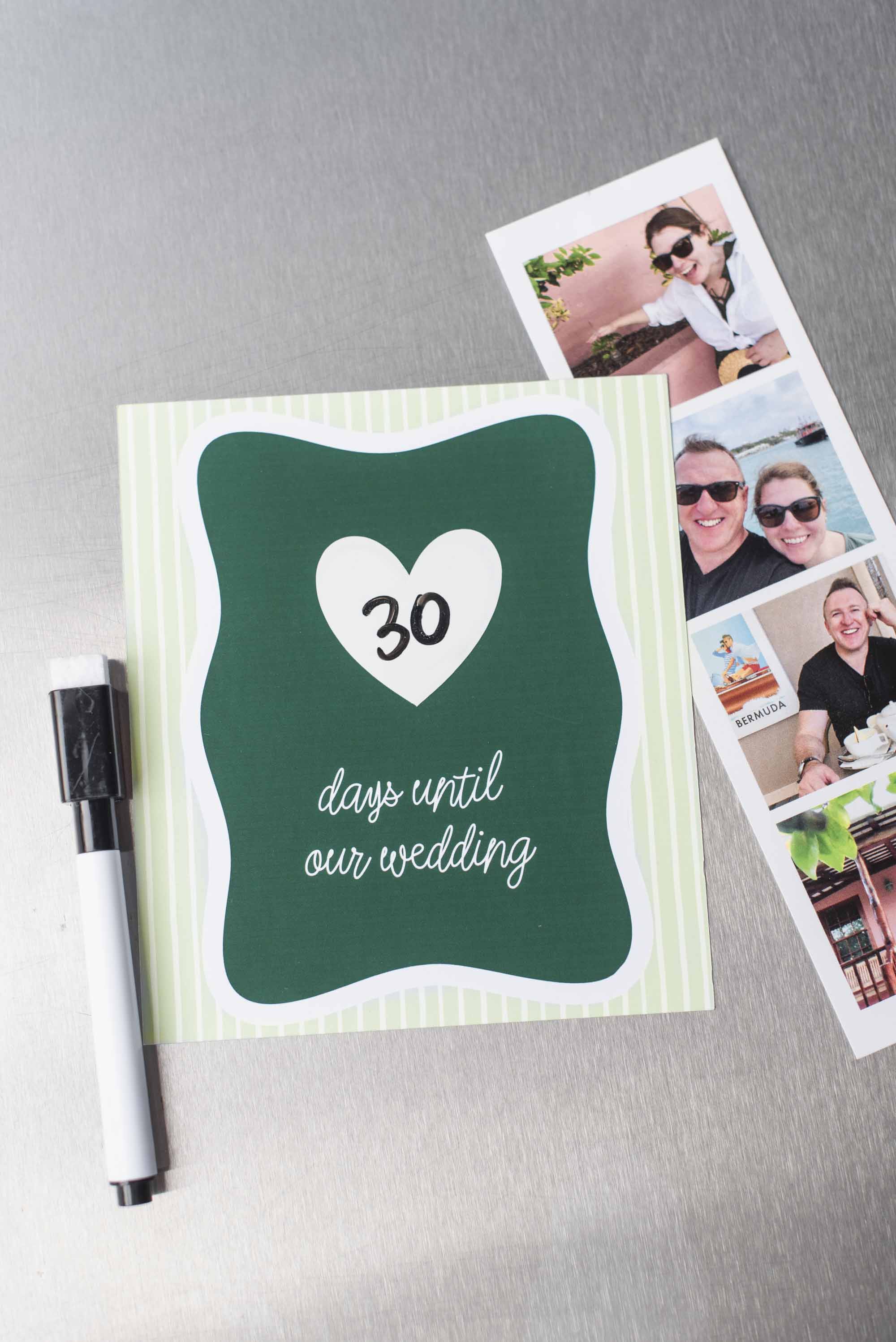
Inkjets are much more flexible with media types. They can easily handle textured cardstock, sticker paper, vellum, and even printable magnet sheets (as seen in our DIY wedding countdown tutorial).
Budget-Friendly Option
Entry-level inkjet printers are accessible and affordable upfront, giving you high-end print quality without breaking your wedding budget. It's a great all-rounder when it comes to wedding DIY as well as everyday post-wedding home admin.
Laser Printers (The Specialty & Foil Choice)
Unlike inkjets, laser printers use heat to fuse microscopic plastic powder (aka toner) onto paper. While they are fast and produce the best crisp black text, they come with a few trade-offs for crafters.
When to Consider Laser
If your dream invitation suite involves foil stamping, a laser printer is a must and non-negotiable. The best wedding DIY foil transfers (like with the Heidi Swapp Minc Foil Applicator machine or Craftelier Hot Foil Applicator) require the heat-activated toner that only a laser printer provides. They're also fantastic if you are printing pages of crisp, all-black text for ceremony programs.
The Laser DIY Downside
Entry-level laser printers often struggle with thick, heavy cardstock because their internal rollers run hotter and tighter. They can warp textured paper, melt certain glossy sticker coatings, and rarely feature the top- or rear-loading paper trays essential for thick paper.
TL;DR - Our DIY Expert Takeaway: Unless you are specifically buying a printer to do DIY foil transfers, stick with an inkjet printer. It offers the highest versatility, best paper handling, and most vibrant color performance for wedding invitations and craft projects in addition to being the most upfront affordable option (though ink prices may cost more overtime depending on model).
Printer Feature Must-Know #1: Paper Weight Capability
If there is one technical spec you shouldn't skip when shopping for a wedding DIY printer, it’s paper weight capability! Nothing ruins a crafting afternoon faster than buying a batch of gorgeous 110lb (300gsm) cardstock only to realize your printer is downright refusing to pull it through the rollers. Some printers have a maximum paper thickness, so this is the number one thing to consider before buying a printer.
In simplified terms, paper weight is typically measured in Pounds (lb) or GSM (Grams per Square Meter). GSM is the universal standard used by paper manufacturers, whereas a lot of U.S. papercraft pack uses Pounds. The easiest way to figure out what your paper is is to look on your paper's packaging. From there, look at the printer's description for the maximum paper thickness/weight.
Here's a quick crash course on common wedding paper weights and what they’re used for:
✦ Standard Printer Paper (20–28lb / 75–100gsm): Typical copy paper. Best for basic multi-page ceremony program inserts or draft prints.
✦ Medium Cardstock (65–80lb / 175–216gsm): Flexible cardstock. Perfect for thank you cards, modern wedding programs, place cards, and favor tags.
✦ Heavy Cardstock (100–110lb+ / 270–300+gsm): Premium and thick cardstock paper. This is the most popular choice for formal wedding invitation suites, RSVP cards, menus, and standalone table numbers.
How to Check Printer Specs Before You Buy
Before adding a printer to your cart, look up its "Maximum Media (or Paper) Weight" in the technical specs. Many entry-level home printers can only handle up to 68lb (220gsm). If you try to feed 110lb (300gsm) cardstock through them, the feed rollers may slip, leaving you with fussy paper jams or smeared ink. So to give your DIY wedding stationery the most flexible options, look for a printer explicitly rated to handle up to at least 110lb (300gsm).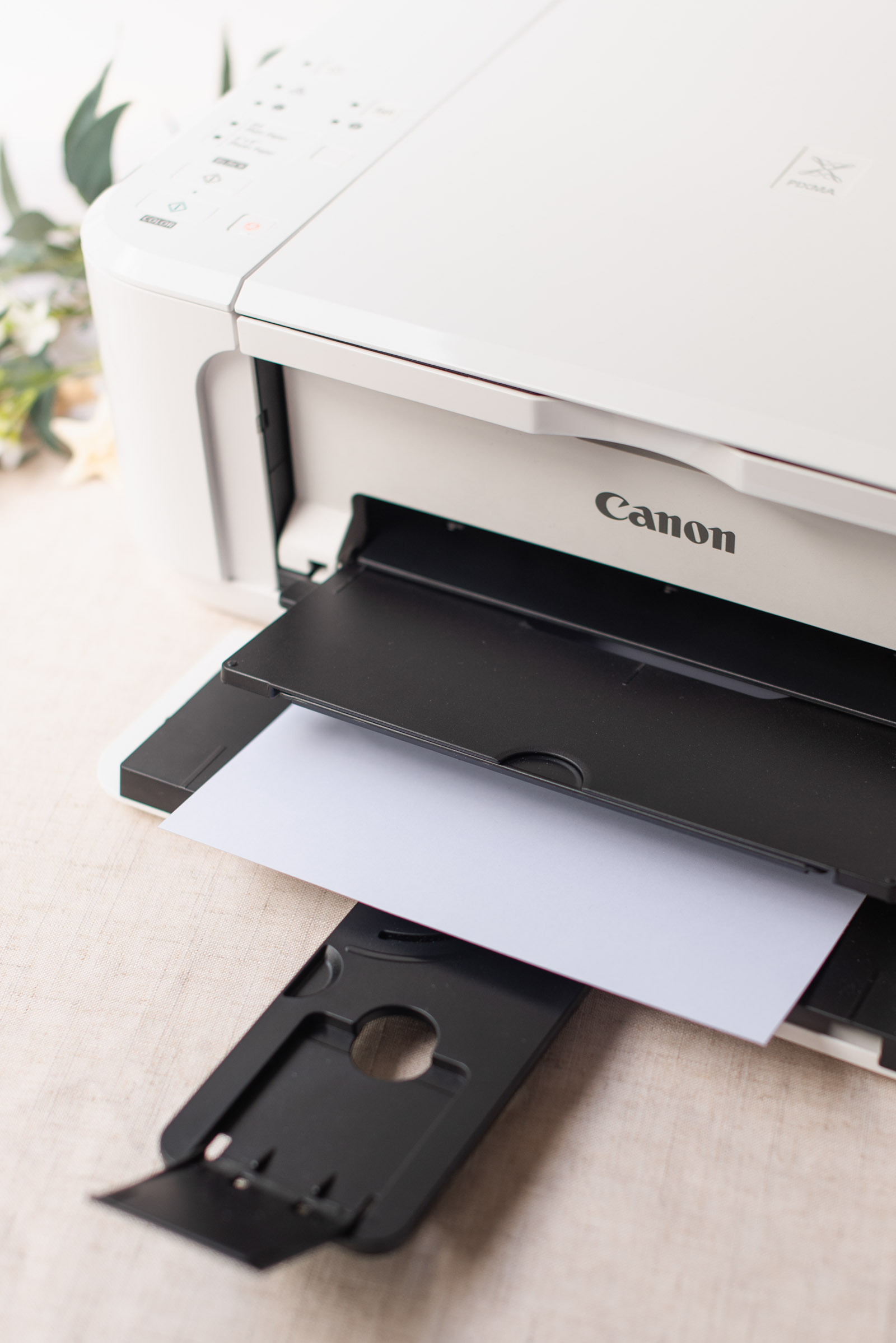
Printer Feature Must-Know #2: Paper Path & Feed Slots (Rear Feed vs. Bottom Tray)
How paper moves through your printer is just as important as how thick the paper can be. In fact, the physical paper path is usually the secret reason why one printer handles thick cardstock like a dream while another jams. Printers feed paper in one of two ways:
1. Bottom Cassette Trays
Most standard home printers store paper in a drawer under the machine. To print, the paper is pulled out, looped around internal rollers, and pushed out the front. While this space-saving design is fine for everyday copy paper, it can be a mess for heavy cardstock or thick sticker sheets. Bending rigid paper in a tight "U" shape causes repeated paper jams, deep roller smudges across your fresh ink, or potentially curled cardstock.
2. Rear Feed Slots
A rear feed tray (or manual top-loading slot) allows paper to enter from the back/top of the printer and slide almost straight through to the front. Because the paper barely bends during printing, a straight paper path can be a really important feature to look for in a wedding DIY printer. It usually allows you to smoothly print on heavier cardstock, specialty textured finishes, and thin printable vinyl. If you're printing your wedding envelopes, this is absolutely an essential feature to have!
Printer Feature Must-Know #3: Ink Accessibility, Costs, & Auto-Subscriptions
When you're deep in wedding prep, the last thing you want to deal with is a surprise "Low Ink!" warning right in the middle of printing 120 wedding invitation inserts at 11:00pm. (Ask us how we know this!) So before committing to a printer model, it pays to think about how ink fits into your project timeline, overall wedding budget, and even post-wedding life.
Factoring Ink Costs into Your DIY Budget
Different printers handle ink in different ways, and replacement cartridge prices vary wildly between models. When researching printers, consider these thoughts to see if any are relevant or important to you and your wedding DIY:
➤ Check Replacement Cartridge Costs First. Before buying a budget-friendly $80 (£60) printer, check the price of its replacement ink! Some low-cost printers use small, expensive cartridges that run out quickly, driving up your total cost per print.
➤ Look for Individual Color Cartridges. Printers that use separate cartridges for Cyan, Magenta, Yellow, and Black (instead of one combined color cartridge) usually save you money. If your invitation design uses heavy pink tones, you can replace just the magenta ink when it runs out, rather than tossing a half-full tri-color cartridge.
➤ Stick to Everyday Retail Availability. Choose brand-name models whose ink cartridges are easily stocked at your preferred online or brick-and-mortar store, so a quick ink run never holds up your crafting weekend.
Auto-Replenishment: A Busy Wedding DIYer's Sanity-Saver
If you want to completely eliminate ink anxiety and have a more flexible budget, look for printers compatible with auto-ink delivery subscriptions (like HP Instant Ink or Canon Auto-Ink Delivery). These programs can be a total game-changer for busy couples and could be a deciding factor in your printer preference.
➤ Never Run Out Mid-Project: Your printer automatically monitors its ink levels and ships fresh cartridges to your door before you run out.
➤ Page-Based Pricing: A bit controversial, but some printers offer a flat monthly fee based on the number of pages you print — not the amount of ink you use! This means full-bleed, colorful 5x7 invitation cards cost the exact same to print as a page of black-and-white text.
➤ Cancel Anytime: We've found with these programs that you can easily roll onto a higher plan during peak wedding printing months, then pause or downgrade the service once your thank-you cards are sent, so flexibility is available.
The Big 3 Printer Brands: A Quick Overview
While we'll dive deeper into specific model reviews in our upcoming wedding DIY printer features, this is a brief look at what's out there and how they stack up for wedding DIYers:
Canon
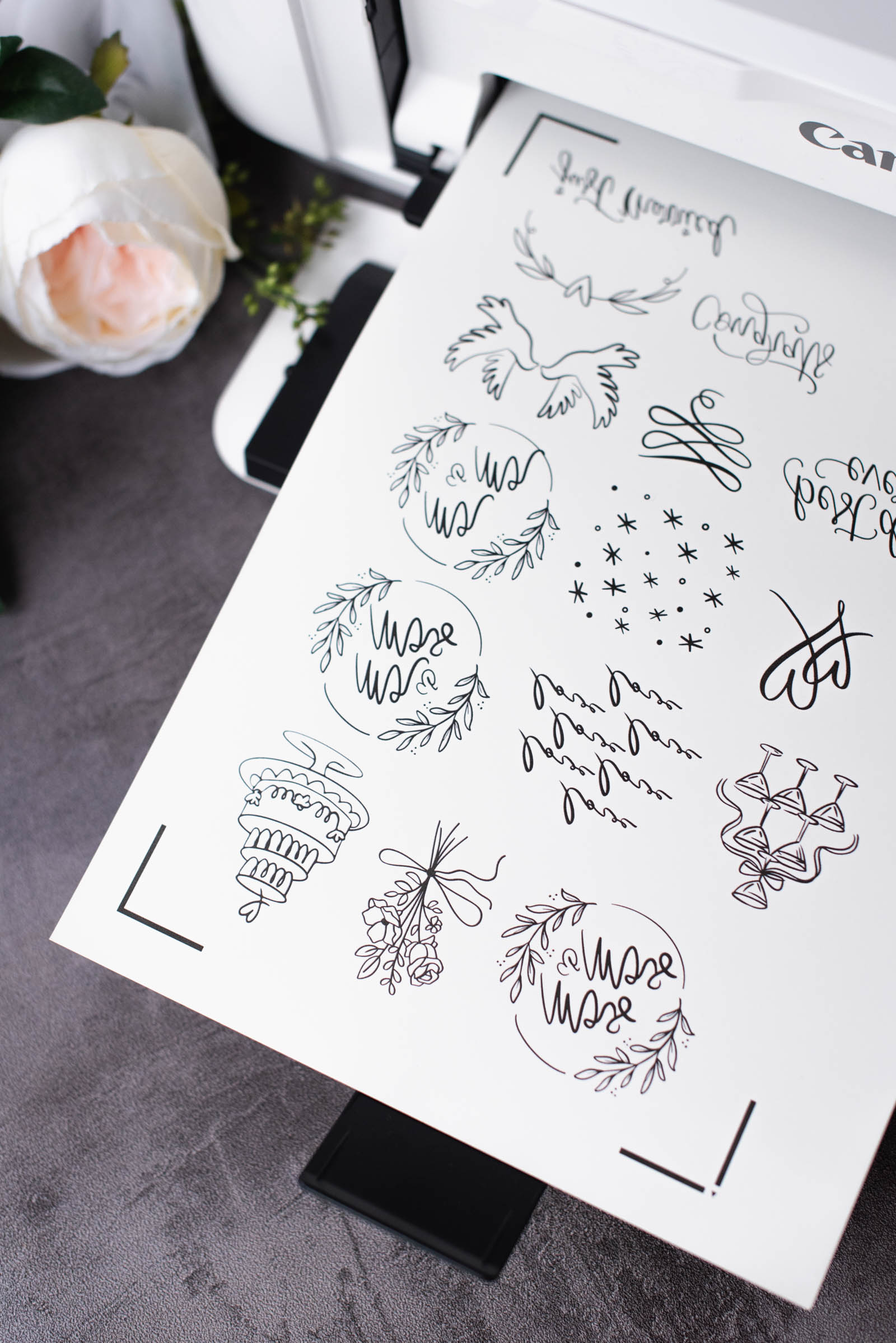
Canon has long been recognized as the premier choice for crafters and photo enthusiasts. (And we’re a bit biased, but we’ve been using various models of the PIXMA series ourselves for over 10 years, so it’s safe to say it’s a personal favorite in our homes!) Each model varies significantly. Canon’s PIXMA line is famous among stationery makers for featuring sturdy, top-loading rear manual feed slots and a multi-ink cartridge system that includes a dedicated black ink. Canon makes both budget models and high-end craft models, so always double-check the specs on the exact model you're viewing to ensure it includes that rear manual feed slot and accepts 110lb (300gsm) paper.
Canon Pixma iX6820
Our current top printer recommendation for wedding DIY! We love that it features wide-format printing (up to 13x19 / A3+), a smooth rear feed tray for heavy cardstock, crisp black text, beautiful colors, borderless printing, and is sold at an accessible mid-range entry price point, making it a great printer for your wedding DIY projects and post-wedding prints. (Note: If shopping from the UK, this particular model is sold under a different name: iX6850.)
Shop Canon Pixma iX6820 (U.S.) Shop Canon PIXMA iX6850 (UK)Epson
Epson is another huge favorite in the crafting community, celebrated for its incredible color accuracy, smooth gradients, and fine-art print capabilities. Beyond traditional cartridge printers, Epson is famous for its EcoTank line (high-capacity refillable ink tanks) and wide-format options capable of printing up to 11x17 (A3) or 13x19 (A3+) sheets. Being able to print larger wedding signage at home opens up massive DIY possibilities!
While EcoTanks are amazing for high-volume printing, entry-level models don't always handle ultra-heavy 110lb (300gsm) cardstock as easily as dedicated photo printers. Look for their wide-format or craft-focused models if you plan to feed thick paper regularly.
HP
HP is known for making super accessible, reliable everyday printers available in almost any brick-and-mortar store or online retailer. Wedding DIYers and crafters love how convenient and user-friendly HP is. They feature smart app controls and seamless integration with HP Instant Ink service that ships fresh ink to your door before you run out. For busy couples juggling a dozen wedding to-dos, the hands-off convenience is a huge sanity-saver.
From our research, most entry-level HP printers rely on bottom-loading paper cassettes with tighter internal roller curves. They work for standard medium cardstock and sticker sheets, but can struggle with ultra-thick cardstock, so it's something to consider.
Frequently Asked Questions (FAQ)
Can I print white ink on dark or colored cardstock at home?
Unfortunately, standard home inkjet and laser printers cannot print white ink. Home printers don't carry white ink cartridges. Instead, they treat white as "blank space" and rely on white paper to fill in those areas. If your dream invitation involves white typography on dark navy, burgundy, or black cardstock, here are three easy DIY workarounds:
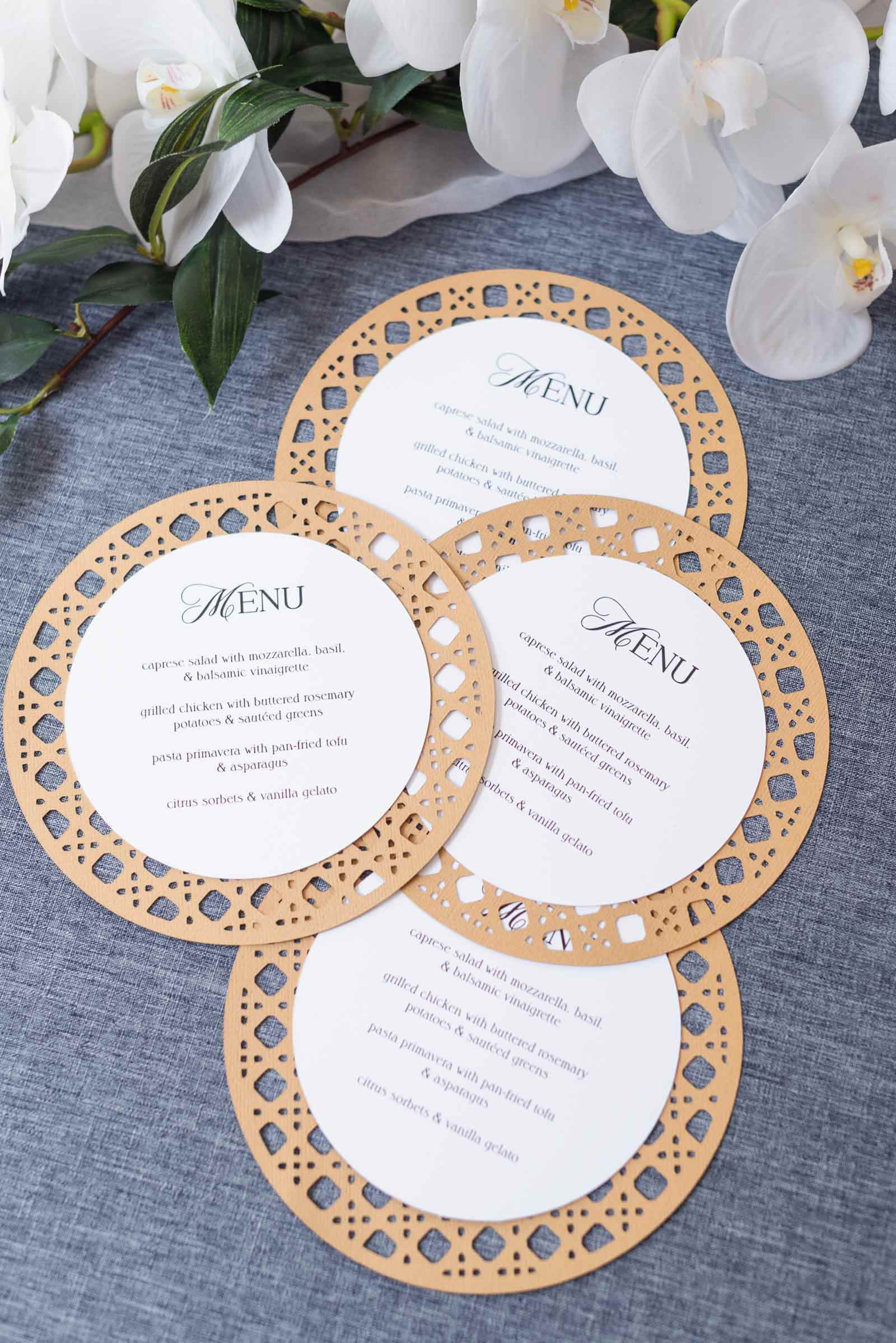
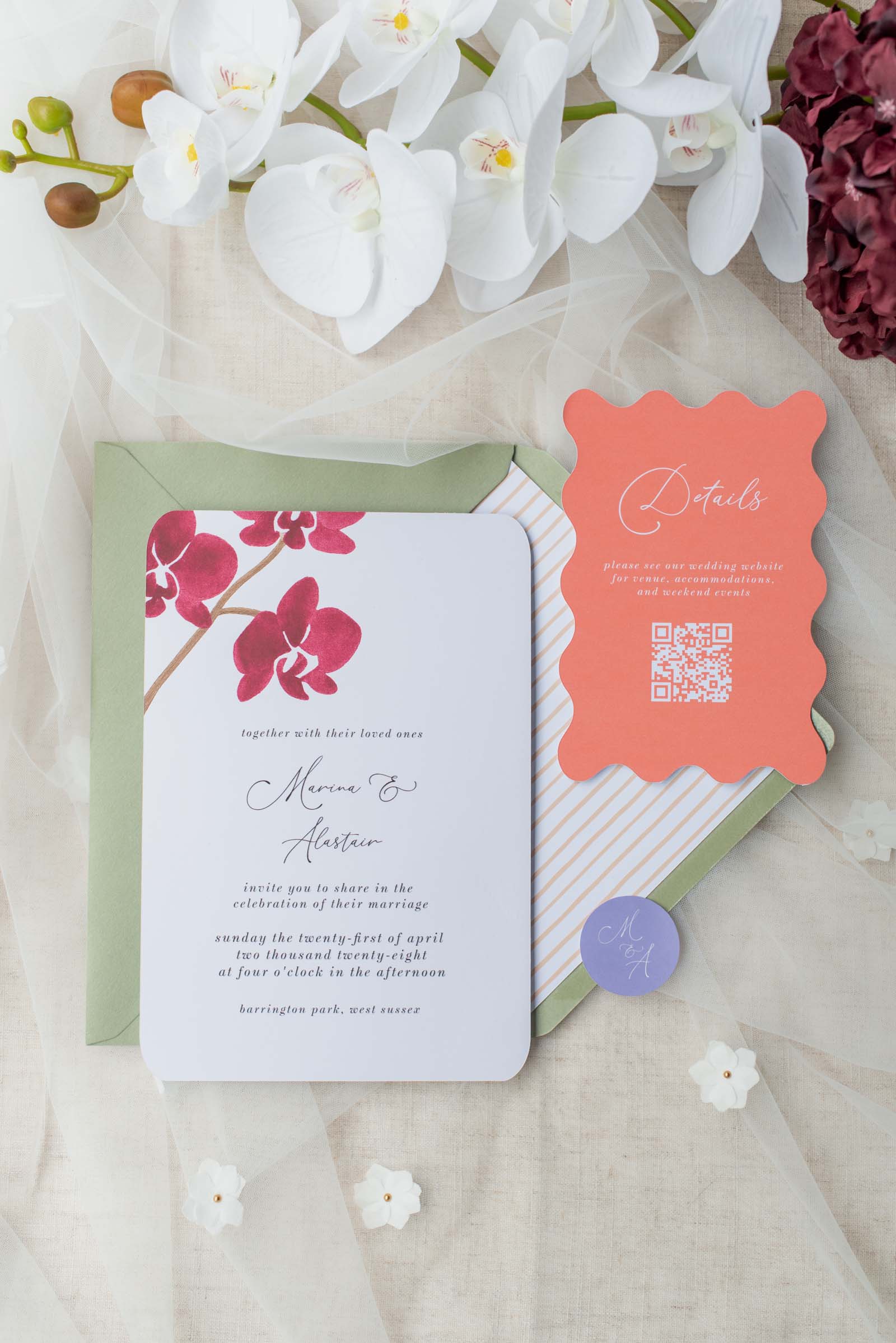
✦ Print the Background Dark: Print a full-color dark background onto bright white cardstock, leaving your text/graphics unprinted so the white paper shows through (as seen in our photo below).
✦ Use Your Cricut with Pens: Use your Cricut machine with a white gel pen onto dark paper. We recommend the Gelly Roll brand white pen + universal pen adapter for this as it gives the best clean opaque white lines.
✦ White Toner Printer: If you have a laser printer, look into specialty white toner options (like Ghost White Toner), though these setups require specialized equipment and higher investment.
Why does my printer keep pulling multiple sheets of cardstock at once?
This usually happens when static electricity sticks thick paper together in a bottom loading tray, or when the feed rollers lose grip on smooth cardstock. To fix this, try fanning your cardstock edges before loading, and feed heavy paper one sheet at a time using your printer's manual slot.
How can I stop my ink from smudging on smooth or glossy paper?
High-density cardstock and glossy sticker papers take longer to absorb liquid ink. See if your printer needs a Media Type setting change before printing. Most all printers have a "glossy photo paper" setting, so explore your options as this could help your printer to slow down its print speed, giving the ink time to dry properly.
Now Choose Your Favorite Wedding DIY Printer
Choosing the right printer doesn't have to be overwhelming. When you know what hardware features to prioritize, you can skip the trial-and-error jams and dive straight into bringing your gorgeous wedding stationery to life! Before you make your final purchase, run through your top priorities for a wedding DIY printer and go with what works for your budget, local availability, and DIY needs.
Ready to print? Be sure to check out our guide on addressing envelopes at home with your printer!

WRITTEN BY
Chelsea Barton
Founder & Wedding DIY Expert
A former wedding photographer, the founder of Tidewater and Tulle, and author of Cricut Weddings, Chelsea Barton has been helping couples bring their dream weddings to life through creative, approachable ideas since 2009. Her insight and work have been featured in Martha Stewart Weddings, Southern Living, and other top publications around the world. She combines editorial expertise and real-world insight to inspire meaningful celebrations.
Editor's Note: Some above product links may be partner-connected and purchasing through these links means we get a small commission from those brands that helps support this website. You can find our full affiliate disclosure policy here on Tidewater and Tulle.