
If you've started planning DIY wedding projects, you've likely spent a bit of time wondering where to find modern wedding SVGs. From welcome signs and seating charts to bridal shower decorations, matching bachelorette party apparel, and reception decor, SVG cut files are essential to creating professional-looking wedding details with Cricut, Silhouette, and other cutting machines.
With thousands of cut files online, the real challenge is finding reliable, beautifully designed wedding SVG files that are easy to upload and use. When you already have a massive wedding planning list, it can be overwhelming to sift through non-wedding designs to find "the one" for your project, especially when you're likely also learning how to work your machine's app for the first time.
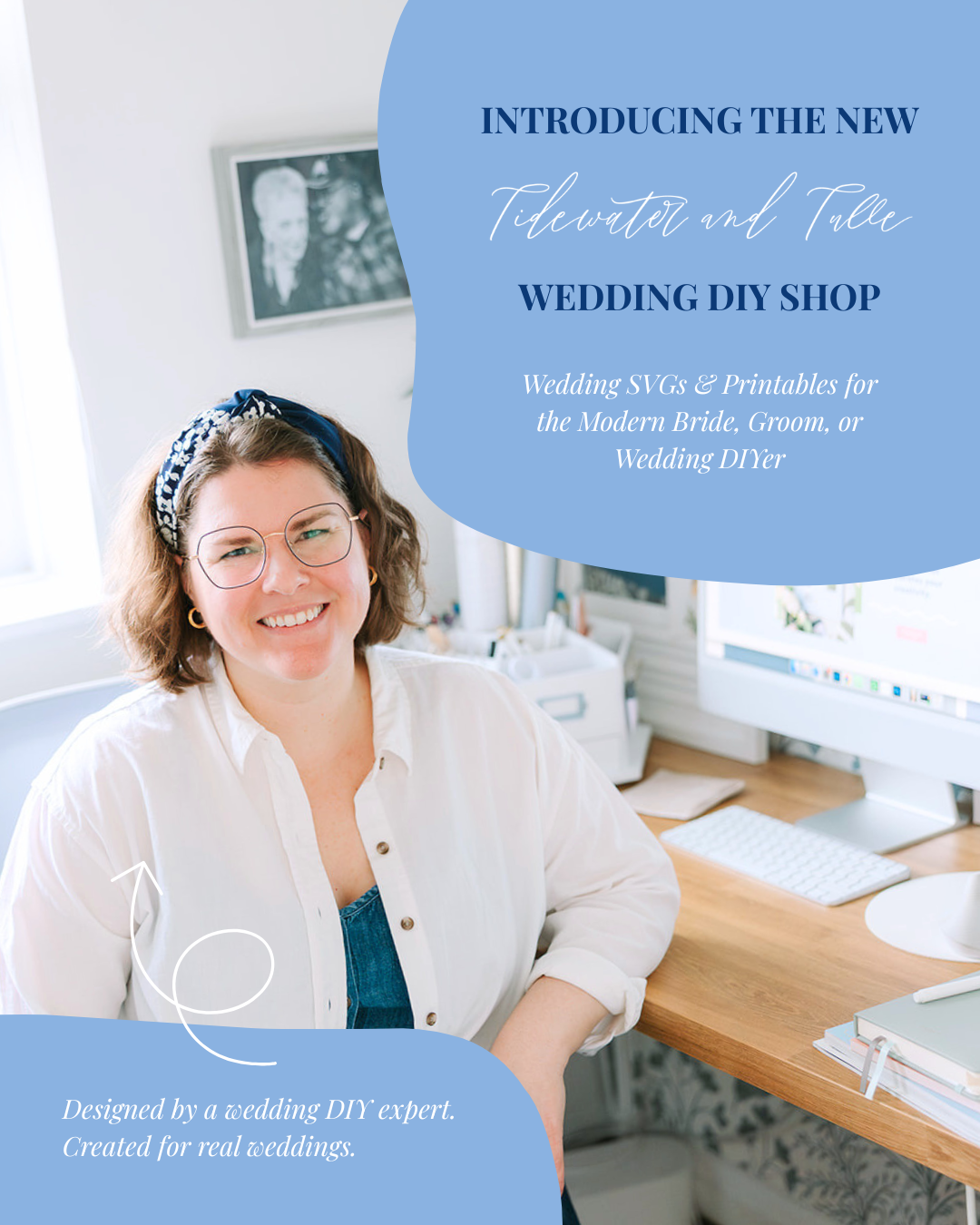
After more than a decade of publishing wedding DIY tutorials, our readers constantly asked where to find the exact cut files used in our projects. That inspired us to launch the Tidewater and Tulle Wedding DIY Shop: a curated library of professionally designed wedding SVG files and printables created exclusively for couples and wedding DIYers. Here, every file is neatly organized by wedding category, so you never have to weed through unrelated designs!
Inspired by trending themes and timeless favorites, every design in our shop is personally created by our Wedding DIY Expert and official Cricut Contributing Artist, Chelsea Barton. Each SVG is fully test-cut before release and designed specifically with real weddings in mind, ensuring your signage, bachelorette projects, and reception decor are ready to make right away.
So in this ultimate wedding SVG guide, we're breaking down what SVG files are, the best places to find them, what to look for before downloading, and some inspiration on what real couples are making to help you personalize your special day — because you shouldn't feel like you have to be a professional graphic designer to create stunning, meaningful wedding details!

What Are Wedding SVG Files?
SVG stands for Scalable Vector Graphic, a file format that's ideal for Cricut, Silhouette, and other compatible cutting machines. One of the biggest advantages of an SVG is right there in the name: it's scalable, meaning you can resize your wedding designs without sacrificing quality.
Think of an SVG like an elastic hair band! Unlike a standard image file such as a JPG or PNG, which becomes blurry and pixelated when enlarged, an SVG stretches smoothly while keeping every line perfectly crisp and clean. Whether you're creating small wedding favor tags or a 4-foot wedding welcome sign for your ceremony, the design remains beautifully detailed at every size.
SVG files are also incredibly versatile as you can adjust size, color, and other special effects after importing into Cricut Design Space or Silhouette Studio. You can also add additional text boxes in your cutting machine's app to further customize a pre-made design with your name, dates, and other personal details.
They can be used to create vinyl decals, heat transfer vinyl (HTV) t-shirts, invitation jackets, stickers, and countless other wedding details. Simply upload the SVG into your compatible design software, resize it to suit your project, and you're ready to start creating!
Many SVG bundles also include different file types that might suit your machine's software or project better. However, when you're cutting vinyl, cardstock, or other materials, we recommend using the included SVG file for the cleanest cuts and the best results whenever possible.
SVG vs. PNG vs. JPG: Which File Type Should You Use For Your Cutting Machine?
Not sure which file to upload? Use this quick breakdown to pick the right format for your machine and material!
| File Type | Best For |
|---|---|
| SVG | Cricut Design Space, Silhouette (Designer Edition), vinyl, cardstock |
| PNG | Print Then Cut, printables, transparent backgrounds |
| JPG | Photos and web images |
| DXF | Silhouette (Basic Edition) |
| Printables and professional printing |
What to Look for Before Downloading a Wedding SVG
Not all wedding SVG files are created equal. Taking a few moments to double check the listing description before you purchase can save hours of wedding DIY frustration and wasted materials!
1. Test-Cut Guarantee
A file might look stunning on screen, but delicate lettering and tiny details can wreak havoc on your vinyl if the design isn't suitable for the project or it hasn't been test-cut. Look for shops that explicitly state their SVGs are test-cut on cutting machines (like Cricut or Silhouette).
IMPORTANT NOTE: To no fault of the SVG designer, keep in mind that certain SVGs just may not be suitable for your project. For example, a design with thin tails on the lettering may not be compatible on small surfaces like wedding hangers. That's down to cutting machine and vinyl limitations. You can learn more about best sizing practices in our Cricut cutting fonts guide.
2. Multiple File Formats
A quality digital download should include flexible file types for different uses. Make sure your SVG bundle includes the file type that you need for your cutting machine!
- SVG: Best for Cricut, Silhouette Designer Edition, and laser cutters.
- DXF: Essential for standard Silhouette Studio (Basic Edition).
- PNG: Best for Print Then Cut and printable designs.
- PDF: Helpful for professional printers or graphic editing software.
✎ EDITOR'S NOTE: We have intentionally left off the EPS file format from this list as EPS is a vector file format used by professional graphic designers and commercial print shops. Most everyday brides or grooms won't ever need this file type with their home cutting machines, so you can safely ignore this file if it comes in your download zip!
3. Personal vs. Commercial Licensing
If you're crafting for your own wedding, a standard personal license is all you need. However, if you are a professional wedding stylist, signage maker, or selling handmade decor, double check that the download includes or offers a commercial license to sell physical items to your couples.
4. Inclusive & Flexible Options
If relevant for your love story, look for listings that include multiple spelling variants (e.g., Favor / Favour), inclusive wording (e.g., Mr. & Mrs. / Mrs. & Mrs. / Mr. & Mr.), or versatile layout variations.
Where to Find Wedding SVG Files (Best Places to Look)
When searching for wedding SVGs, you'll quickly discover there are endless options online... and it's a bit overwhelming! However, knowing where to source your files (and what type of shop fits your wedding DIY goals) can save you hours of browsing. So here are the primary places where wedding DIYers find SVG cut files, along with the pros and cons of each.
1. Curated Wedding SVG Specialty Shops
Specialty stores (like our first-of-its-kind Tidewater and Tulle Wedding DIY Shop) focus exclusively on wedding projects, event decor, and bridal celebrations. Rather than sifting through oodles of non-wedding files, specialty niche SVG shops offer organized wedding-specific categories to help you find what you need quicker and easier.
✔ Pros: Guaranteed test cuts, easy to find what's relevant to you, cohesive design styles and bundles across all event signage, inclusive wording variations, and dedicated customer support from experienced wedding experts.
✖ Cons: Smaller total catalog size compared to large digital marketplaces and may only have certain file types available.
2. Creative Digital Marketplaces
Large digital marketplaces like Etsy and Creative Fabrica host independent graphic designers selling individual cut files or massive SVG bundles. These platforms are great if you're looking for niche themes or specific hand-lettered styles.
✔ Pros: Massive selection, competitive pricing, and access to wide range of independent designer styles.
✖ Cons: Quality can vary wildly between sellers and hard to tell what's been created by human designers. Many marketplace SVGs are never physically test-cut before being listed, and sheer volume of options can be overwhelming.
3. Craft Machine Design Libraries
If you own a Cricut or Silhouette, both platforms feature built-in subscription libraries right in their software apps (e.g., Cricut Access and Silhouette Design Store). You can search for basic wedding phrases, floral accents, or monograms and send them straight to your cutting mat.
✔ Pros: Seamless integration with your cutting machine software; no downloading or unzipping required. Very easy to use as a beginner.
✖ Cons: Limited modern, on-trend wedding imagery. Finding cohesive and complete design collections (e.g., matching a welcome sign font to your seating chart font) can be challenging or non-existent.
4. Craft Blogs & Free SVG Websites
Many craft bloggers share free wedding SVG files as downloadable freebies or part of their craft communities. These are a fantastic resource if you are working on a tight budget or making quick one-off projects like bridal party mugs or funny bachelorette shirts.
✔ Pros: Free to download and often accompanied by step-by-step blog tutorials. Great when only one single design is needed.
✖ Cons: Not always created by those intimately familiar with the wedding world and its trends, and rarely includes multiple designs in the same style or alternative spelling options.
Popular Types of Wedding SVGs
Whether you're executing a full DIY wedding or crafting a few custom keepsakes, breaking your project hunt down by category saves time. Here are some of the most popular wedding SVG categories couples and wedding DIYers look for (and what you'll find in our shop):
1. Wedding Sign SVGs
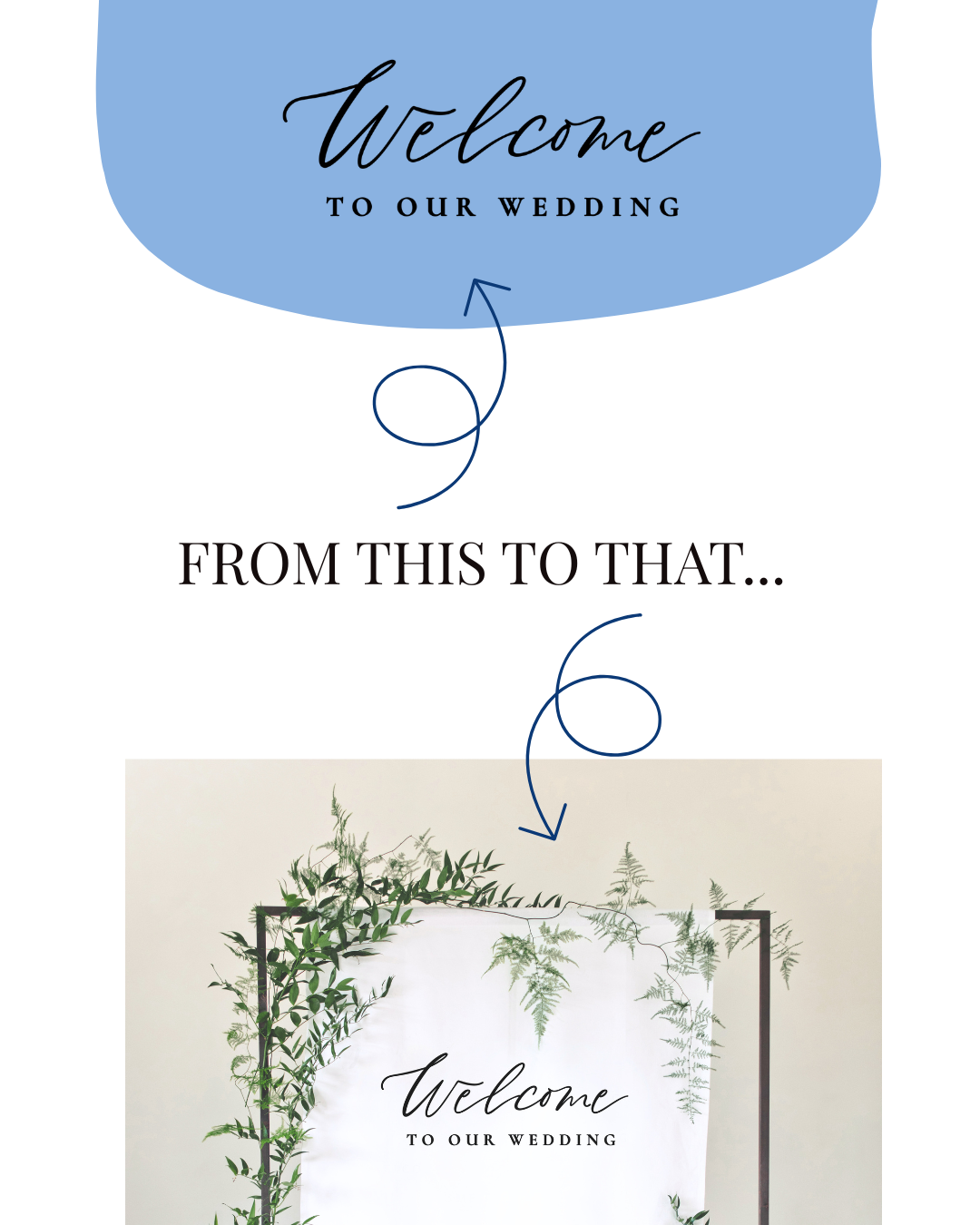
Signage is hands-down the most popular Cricut and Silhouette wedding project! SVGs allow you to easily cut beautiful vinyl decals for acrylic, mirror, wood, or chalkboard surfaces.
Popular Projects: Wedding welcome sign SVGs, seating chart SVGs, bar menu signs, and memorial table SVGs.
2. Bachelorette Party & Bridal Shower SVGs
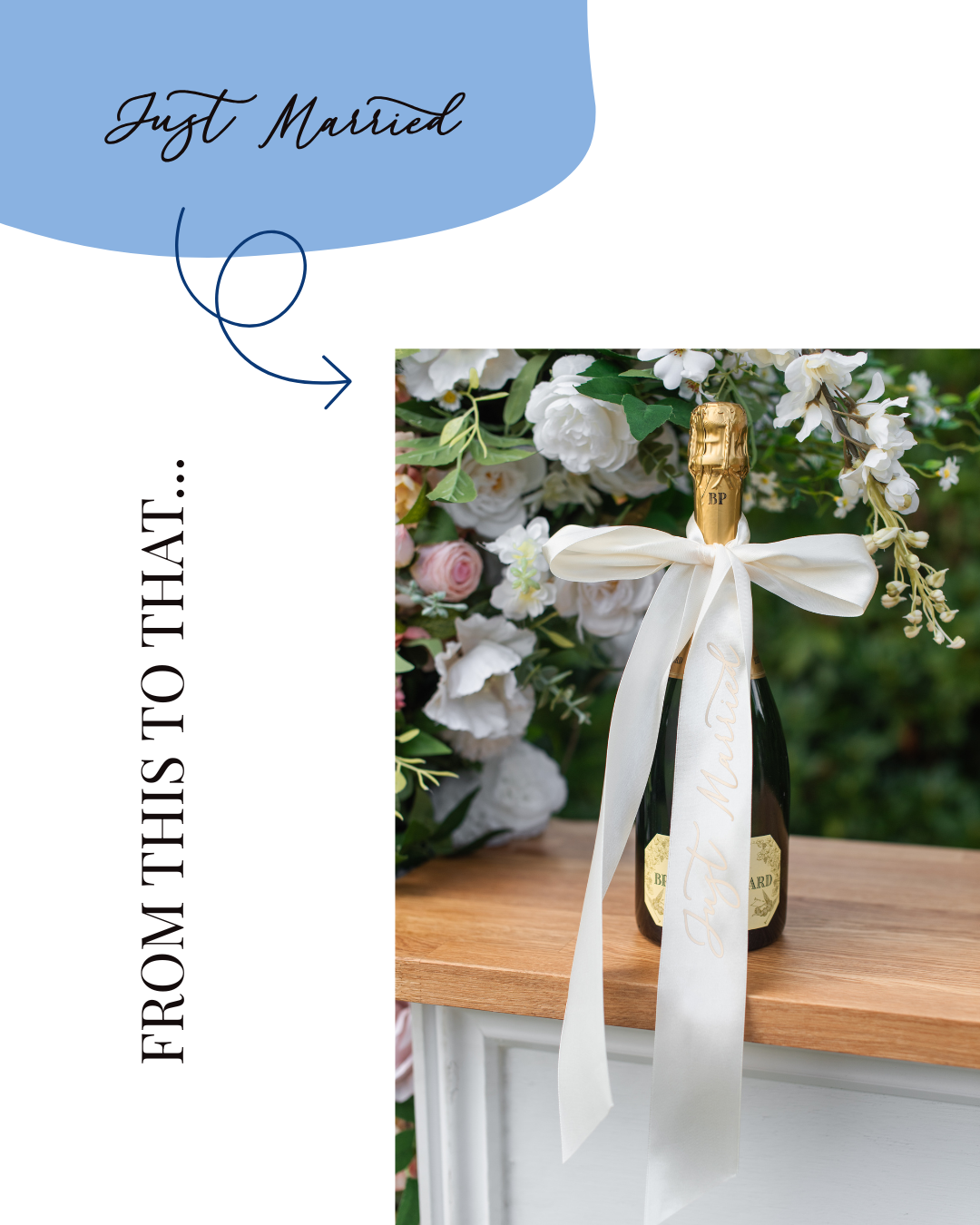
Coordinating pre-wedding events is much easier (and way more fun) with themed cut files. SVG bundles let you apply a cohesive design across t-shirts, tote bags, and party decor.
Popular Projects: Bachelorette shirt SVGs, weekend totes, personalized champagne flutes, welcome banners, and theme-specific decor (e.g., coastal, bookish, Italian summer, etc)
3. Ceremony & Reception Decor SVGs
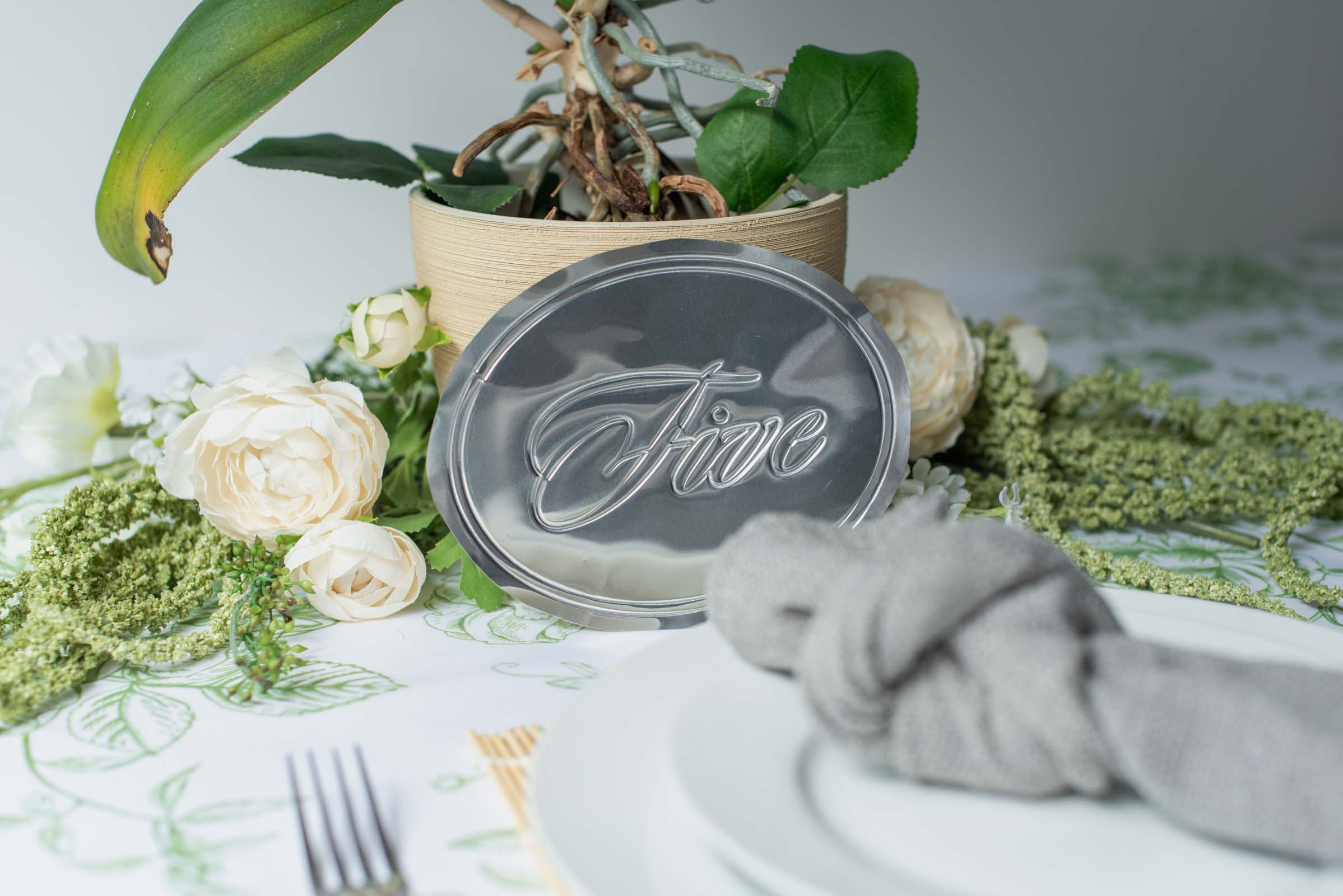
Personalized and cohesive venue details create a polished, custom feel. Cutting your own vinyl or cardstock elements lets you match typography perfectly across every part of your wedding day.
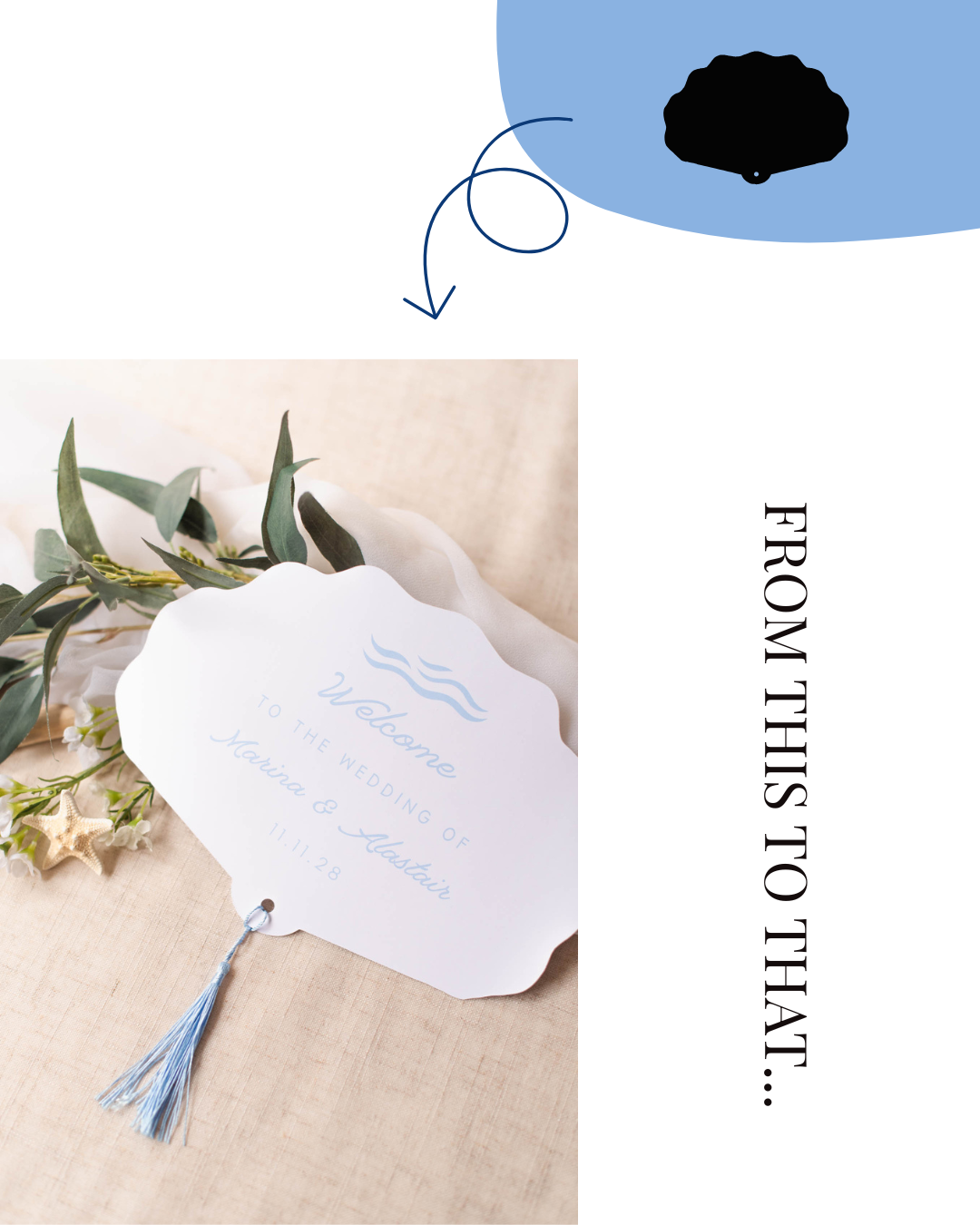
Popular Projects: Table number SVGs, ceremony program fans, guest book SVGs, dessert bar displays, and sweetheart table signs
4. Engagement, Planning & Wedding Day Apparel SVGs
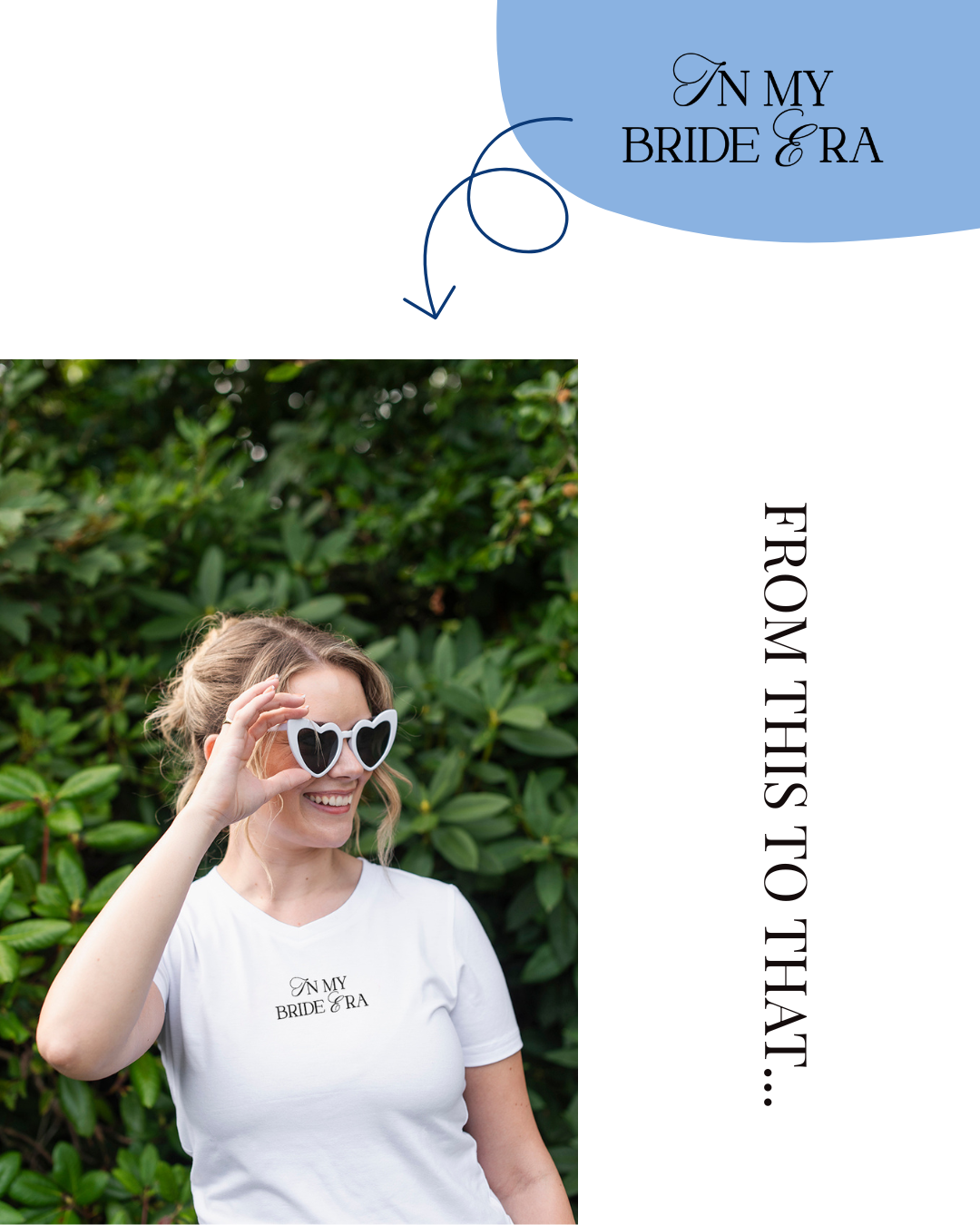
Cut files make it easy to craft personalized keepsakes from the proposal through the getaway car! This is one of our personal favorites when it comes to wedding DIY.
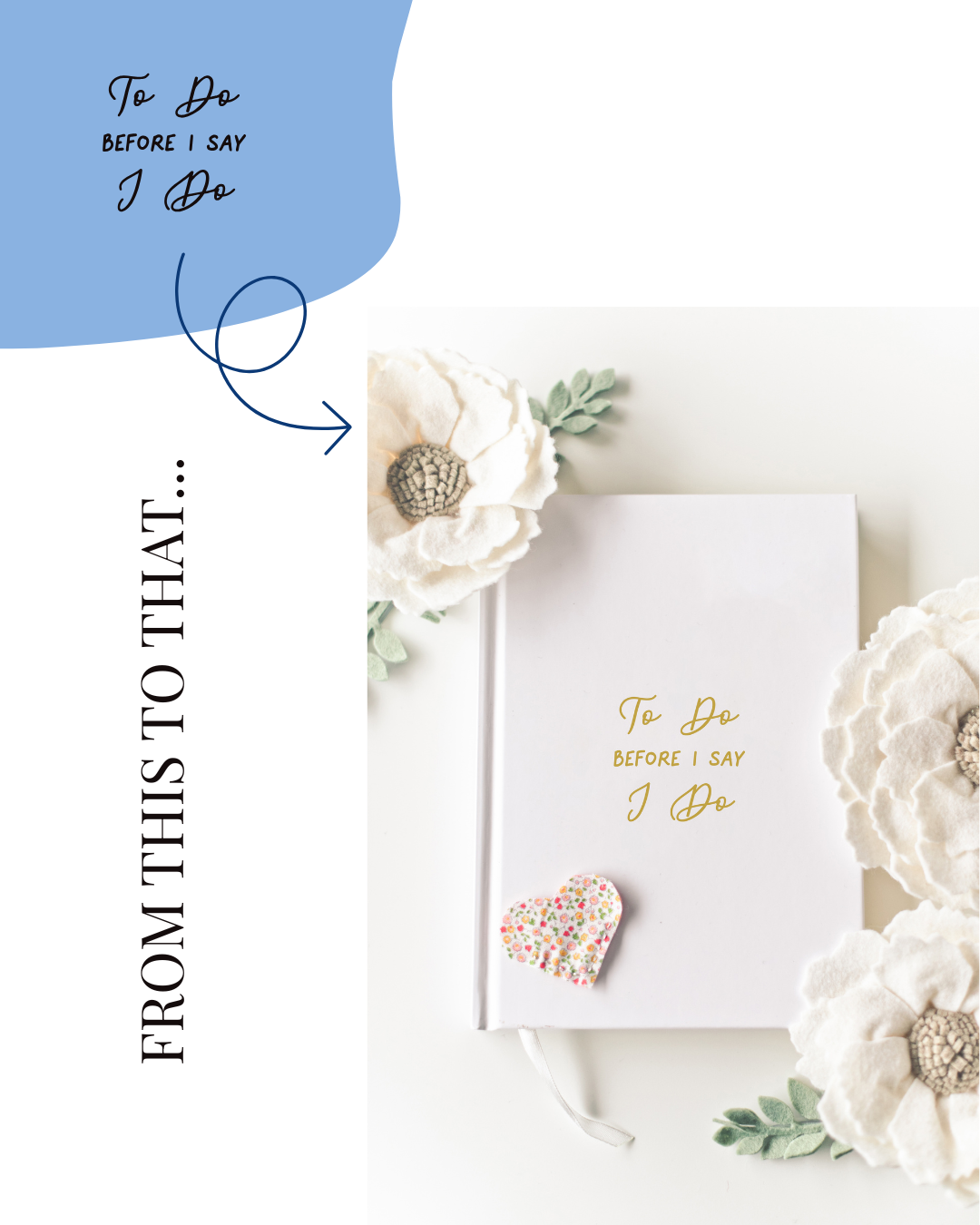
Popular Projects: Bride/Groom denim jacket SVGs, wedding planner binder covers, getting-ready robe decals, and honeymoon travel tote bag SVGs
Start Creating Your Wedding DIY Projects
Wedding SVGs make it easier than ever to create personalized details that reflect your unique love story. Whether you're crafting a statement welcome sign, decorating for a bachelorette weekend, or adding thoughtful touches to your reception, the right cut file can help transform your vision into a project you'll love to see in your wedding photos for years to come.
As you explore different designs, remember to choose files that are thoughtfully created, thoroughly test-cut, and compatible with your specific cutting machine. The right file saves precious time and gives you the confidence to enjoy the creative DIY process!
If you're ready to find stylish, beginner-friendly cut files, we'd love to welcome you to the Tidewater and Tulle Wedding DIY Shop. Every design in our shop is created by our Wedding DIY Expert and official Cricut Contributing Artist, Chelsea Barton, and is fully test-cut before release. From wedding signage and reception decor to bachelorette apparel and printable wedding essentials, our growing collection is designed exclusively for wedding DIYers.
We hope this guide helped you understand what wedding SVGs are, where to find them, and what to look for before downloading. Happy crafting, and don't forget to tag us on social media in your finished projects! We'd love to see what you create!
Still in planning mode? Head to our Wedding DIY Hub for free Cricut wedding education, inspiration, and so much more.

WRITTEN BY
Tidewater and Tulle Editorial Team
Creative Wedding Inspiration since 2013
Committed to bringing your dream wedding to life through creative, approachable ideas, the Tidewater & Tulle Editorial Team curates real weddings, expert DIY tutorials, and stylish inspiration for couples worldwide. Grounded in decades of collective wedding industry experience and featured in top publications like Martha Stewart Weddings and InStyle, our mission is to inspire meaningful celebrations.
PHOTOGRAPHY CREDITS
Headshot Photo: Kelsie Scully Photography
Product Photos: Chelsea Barton
Editor's Note: Specially curated by us, the above product links are partner-connected and purchasing through these links means we get a small commission from those brands that helps support this website. You can find our full affiliate disclosure policy here on Tidewater and Tulle.